
1
How to Bypass Google Account on Samsung Note10+ Android 12
This is a step-by-step guide on how to bypass FRP on the Samsung Galaxy Note10+ running the latest Android 12 version. You would probably have come across a number of methods to bypass a Google account and that may or may not have worked for you.
It is because Android security patch updates are fixing the loopholes that were previously used to bypass FRP on Samsung Galaxy Note 10 Plus running the previous Android version. The bypass method even shared here may or may not work in the future because it might be fixed in the next Android update for your Samsung Galaxy Note10+.
This is a 100% working guide if your Samsung Galaxy Note 10+ is running Android 12. We have personally tested this bypass method and it is confirmed to work.
The Samsung Galaxy Note 10 + is a best-selling flagship from Samsung that was released on May 20, 2020, with Android 10. It sports a quad-camera setup and includes 12GB of RAM with an Exynos 9825 processor.
Samsung Galaxy Note 10+ FRP Bypass with PC 2023
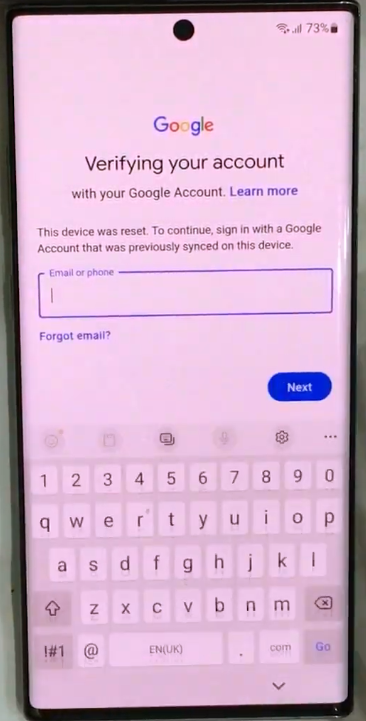
If your Galaxy Note 10+ is FRP locked after a hard reset, it will ask for a Google account with a similar screen as given above with the following message.
In this case, if you remember the Google account, pattern, or pin lock, then you can easily bypass it. Otherwise, follow the guide below to unlock your phone.
Now back to the real method that has a 90% chance of getting your phone unlocked. Follow the step-by-step instructions to bypass the FRP lock.
Without further wasting your time, let’s move on to the process of removing your Google account from your phone. In this method we are going to use pc.
1. On your PC disable the Virus & threat protection. In the notification tray click on the hidden icon and then click on the window defender icon.
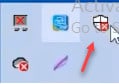
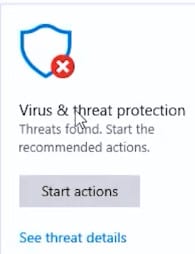
2. Click on the Virus and threat protection.
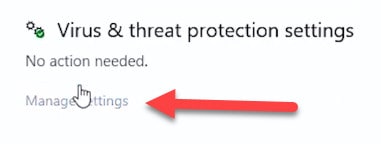
3. Click on manage Settings.
4. Turn off the Real Time Protction.

5. Download the given file using https://www.progeeksblog.com/bypass/

6. Unzip the downloaded files.
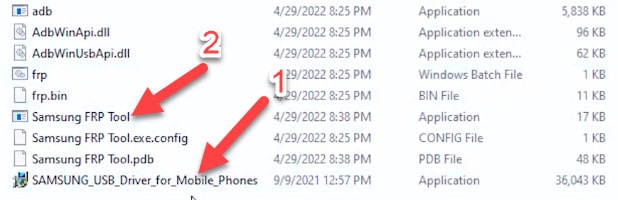
7. After unzipping go to the folder and 1st install the Samsung Usb drivers and then open the tool.
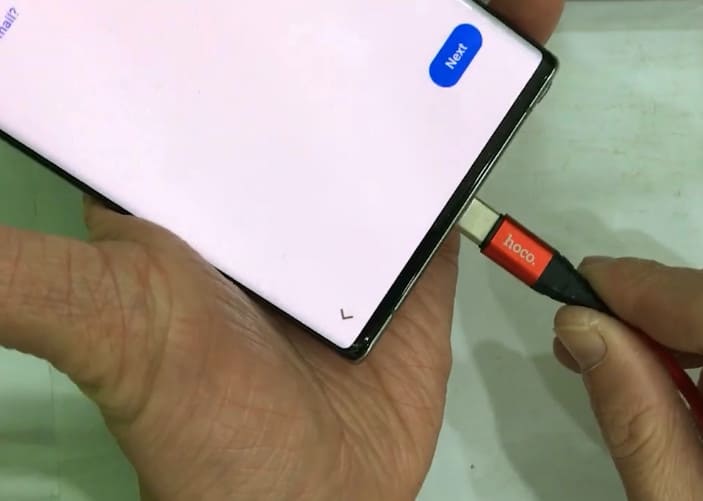
8. Connect your phone to the pc via a usb cable.
9. Open the tool and the phone name will be shown in the dialog above.
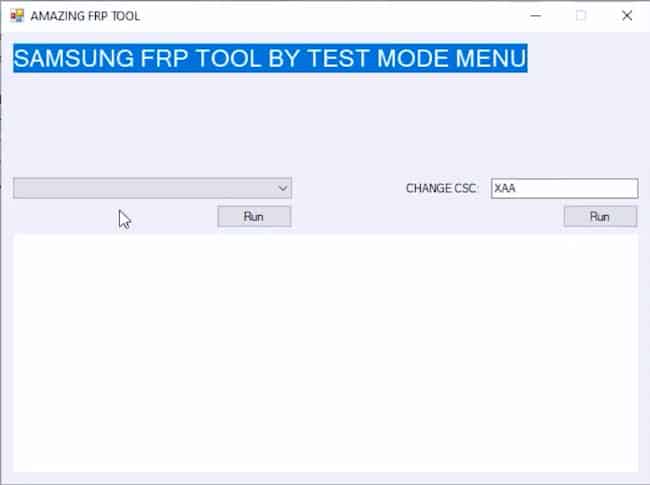
10. It will show a dialog like this.
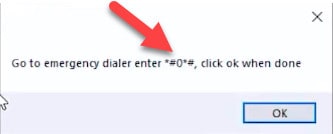
11. Now lift your phone and go back to welcome screen and tap on Emergency call and dial *#0*#
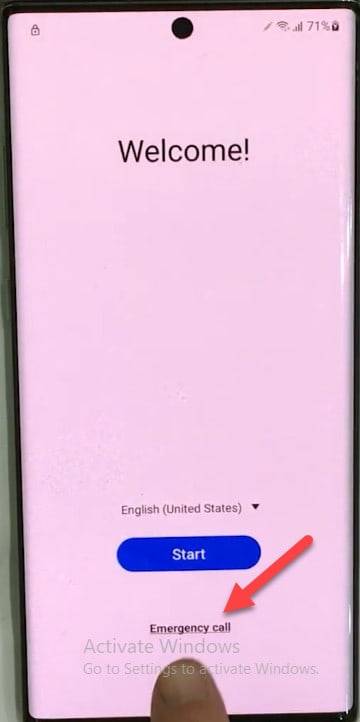
12. The above code will show an interface like this.
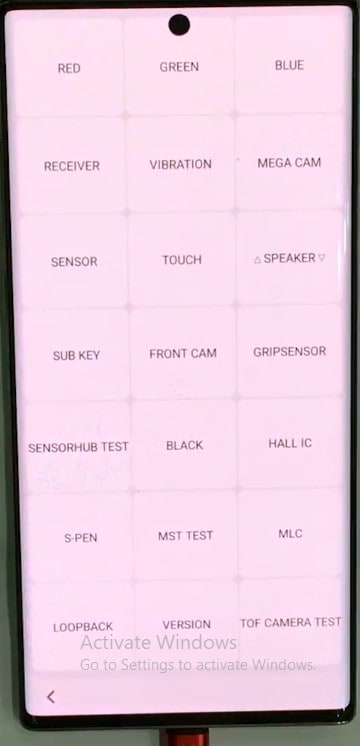
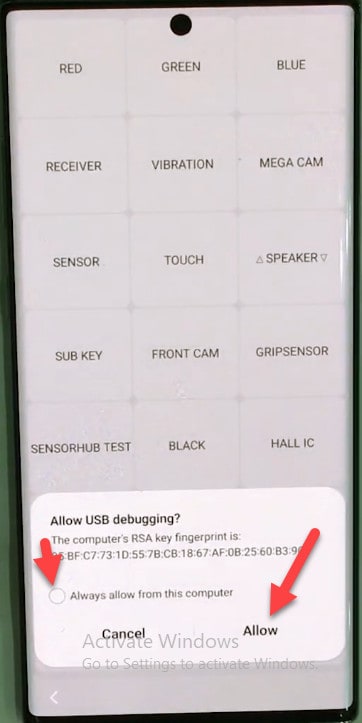
13. Now on your pc click on the run and after a few second a dialog will open on your phone to Allow USB Debugging so tap on alwys allow on this device and then tap on allow.
Your phone will automatically go to the home screen and then to settings so do nothing. Then your phone will automatically restart and go to home screen.
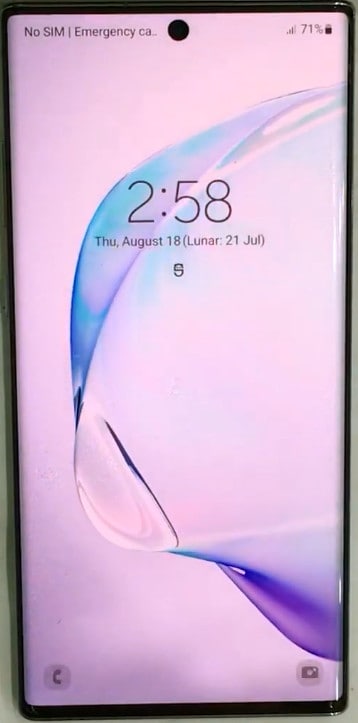
Congratulation! The Google Account on your Samsung Galaxy Note 10+ is successfully bypassed. Do not forget to let me know in the comment section if you’ve got any issues.

